
Updated 09 August 2026
Mobile ordering
Panda Express App
Order ahead, collect without queueing and keep points earning. Here is what the app does, how to set it up, and where it saves money against delivery.
- FreeApp and Rewards
- $8.50Bowl at Pickup Price
- iOS + AndroidPlatforms
Download the App
Free on both platforms. These links go to the official store listings.
PandaExpressNutritionCalculator.org is an independent resource and is not affiliated with Panda Express. These are links to the brand's own store listings, not downloads hosted here.
Inside the Panda Express App
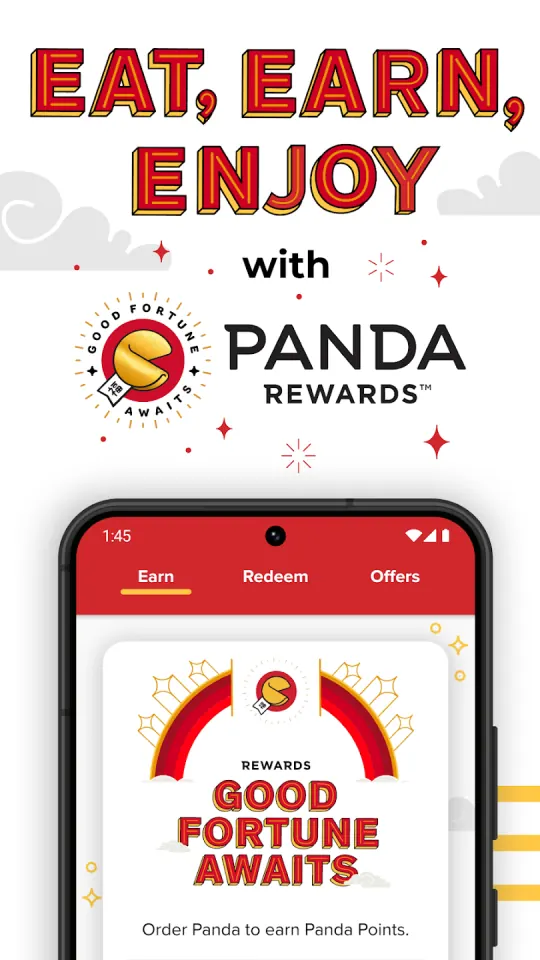
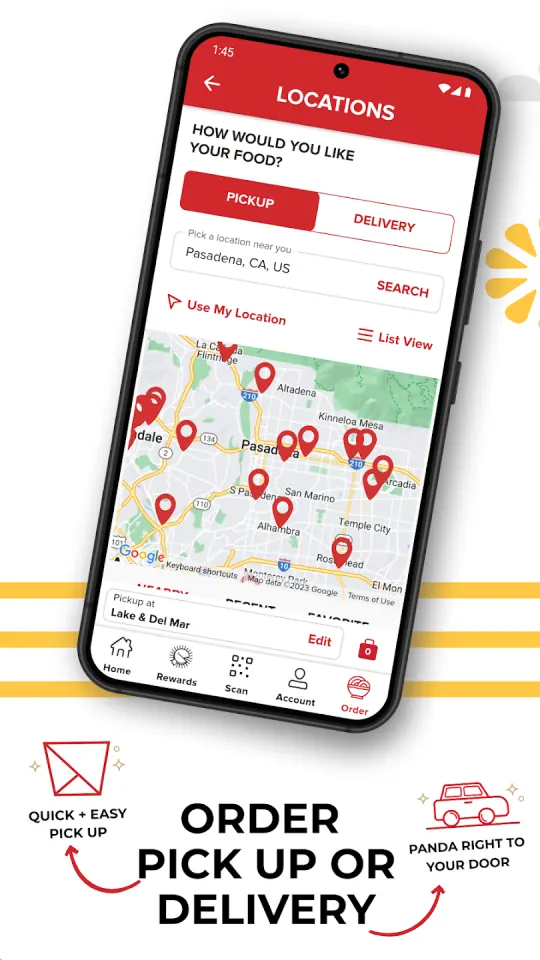
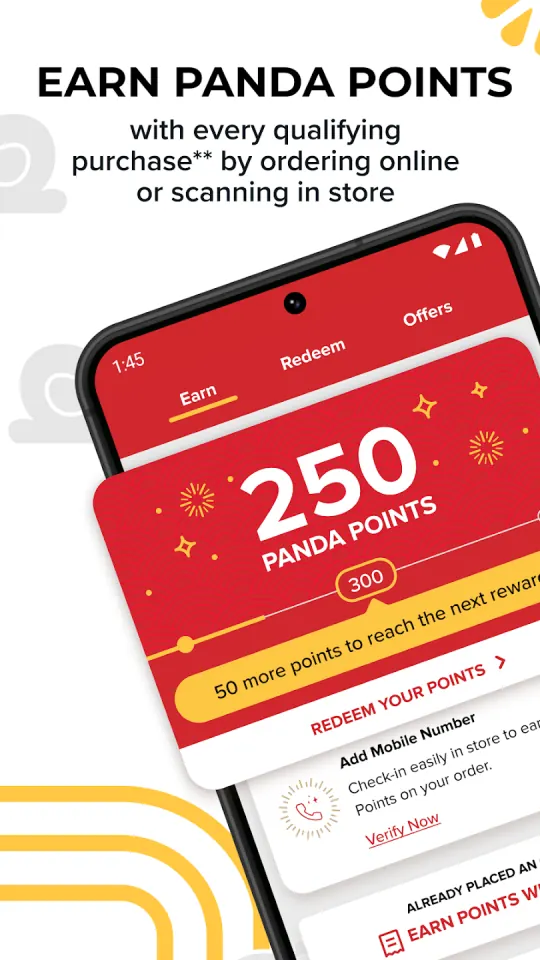
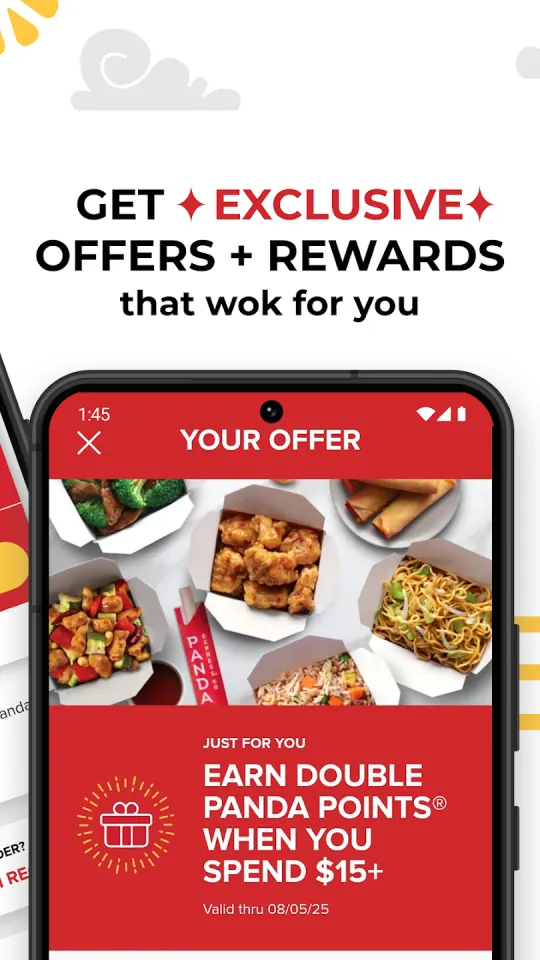
Five screens from the store listings: rewards, the ordering menu, and what the app looks like on each platform.
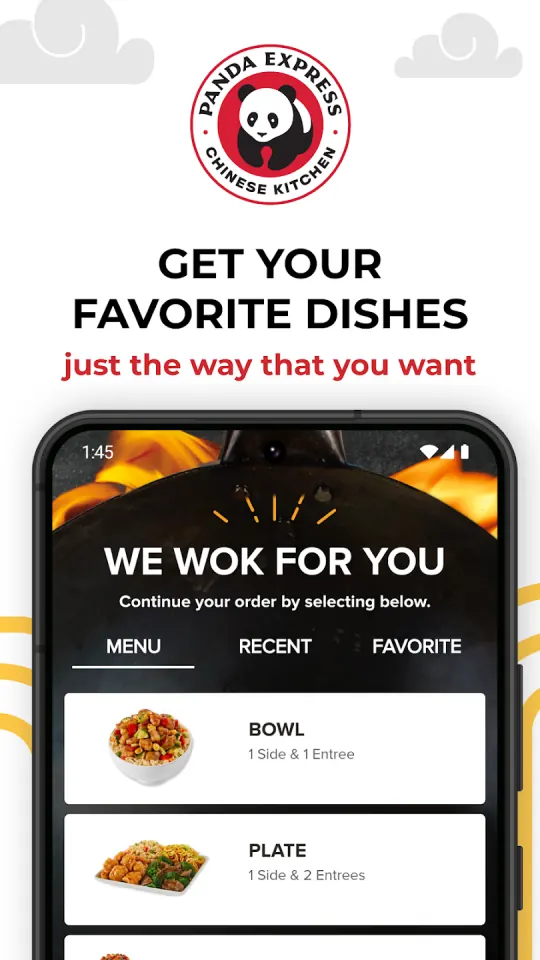
What the App Does
Build the order in the app and collect it without queueing. Pickup pays the published menu price rather than a platform markup.
Points attach to qualifying purchases and member offers appear inside the account, applied without a code to type.
Sets the store the order goes to, which matters because pricing and availability differ between locations.
Reordering a previous meal in two taps is the feature most people actually use day to day.
Cards can be stored, and a gift card added to the account is spendable in the app.
Promotions are pushed to the account rather than published, which is why app users see deals other people never do.
How to Order With the App
Five steps from install to points in the account.
Install it from the App Store on iPhone or Google Play on Android. It is free and does not require an account to browse.
Signing in is what connects ordering to Panda Rewards, so points attach to purchases from the first order onwards.
Choose the location you actually collect from. Pricing and availability vary between the 2,224 stores, and the app orders from the one you pick.
Choose a format, then the side and entrees. Pickup keeps the published menu price; delivery through a platform does not.
Scan the account code at the counter, or check in when collecting, so the purchase registers against your points balance.
App Ordering vs Delivery Apps
The difference is not the fee, it is the menu price underneath it.
| Route | Menu price | Extra charges | Rewards points |
|---|---|---|---|
| App pickup | Published menu price, e.g. $10.50 a Plate | Tax only | Yes |
| App or brand delivery | Usually the menu price | Delivery fee and tip | Usually yes |
| Third-party delivery app | Typically marked up above in store | Delivery, service and small-order fees, plus tip | Generally not |
The full breakdown, including what the markup does to a group order, is on the Panda Express delivery page.
What the App Will Not Tell You
The app is built to take an order, not to answer a nutrition question. It will not total the calories across everything in your basket, compare two entrees side by side, or tell you which combination hits a protein target inside a calorie budget.
That is what this site is for. The Panda Express nutrition calculator adds up any combination across 135 items, the full menu with prices lists everything in one filterable table, and the meal planner lays out a week against a budget. Use the app to buy the food, and this site to decide what to buy.
The points balance, the member offers and the birthday reward all live in the loyalty programme behind the app. We price what each redemption is actually worth against the published menu.
Panda Express App FAQ
Is the Panda Express app free?
Yes. The app and the rewards programme behind it are free, on both iPhone and Android. You can browse without an account, but points only attach once you are signed in.
Is ordering in the app cheaper than delivery apps?
For pickup, yes. App pickup pays the published menu price, so a Plate is $10.50 rather than a marked-up platform price plus fees. The delivery comparison shows what that gap looks like.
Do I need the app to earn rewards?
No, but it is the easiest route, since the account and the points balance live there. The mechanics are on the Panda Express rewards page.
Does the app show calories?
It shows the menu, though not in a form you can total across a whole order. That is what this site's nutrition calculator is for: add every item and read calories, protein, carbs, fat, sodium and sugar together, across 71 items with a published panel.
Can I order for a group in the app?
Yes, including the bundles. For headcounts past a few people, price it first on the catering calculator or read the per-person math on the family meal page.
The app shows a different price to this site. Which is right?
The app, for your store. This site publishes the national reference pricing, and individual locations set their own. Where a figure is not published nationally at all, our pages say so rather than guessing.